 Remove Glare From Photo
Remove Glare from Photo
Choose the glare you want to remove, then add your photo to get started.
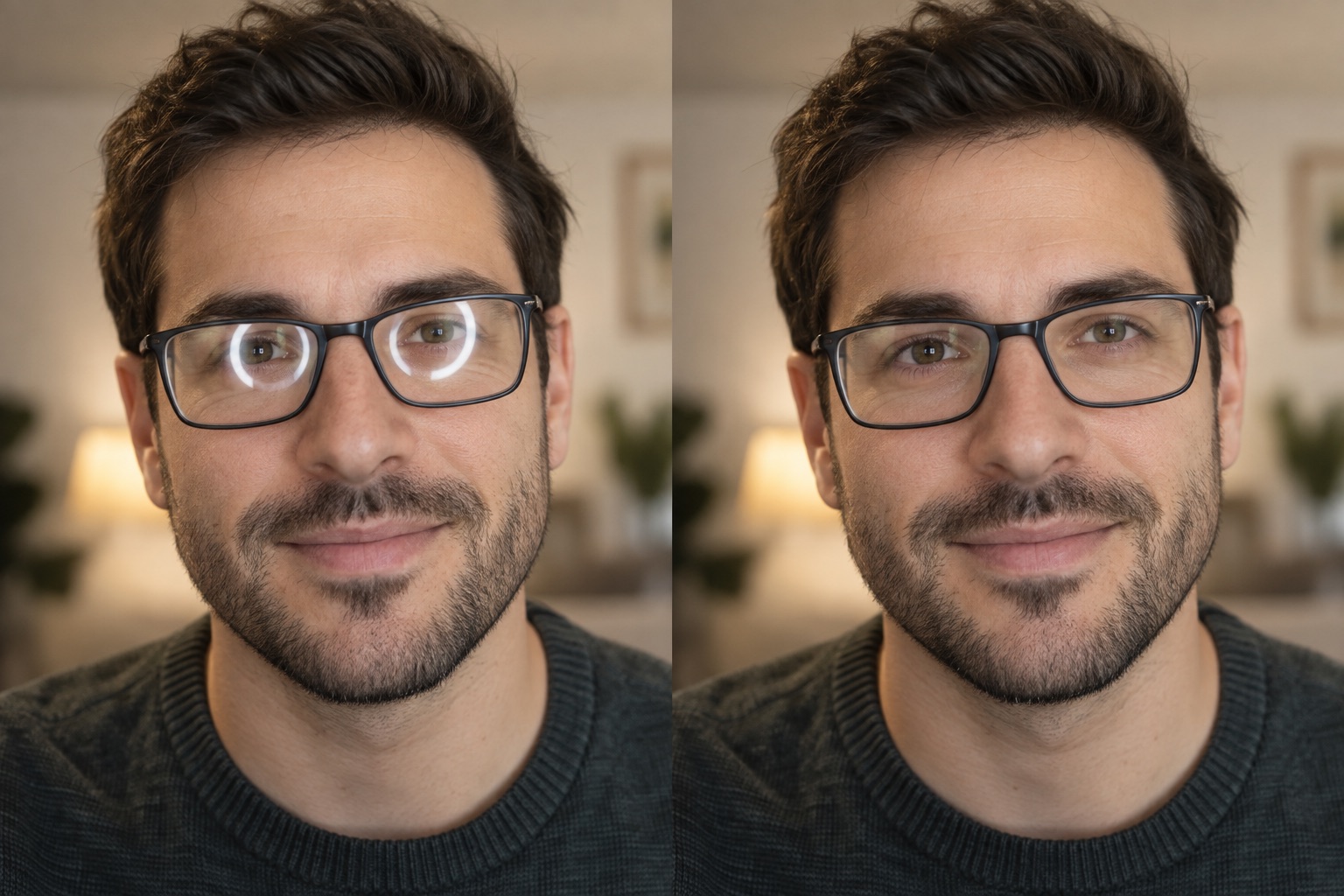 BeforeAfter
Examples rotate automatically. Select a tool to keep its full before-and-after example in view.
Start with your photo
Choose the glare type that matches your image.
What do you want to remove?JPG, PNG or WebP · up to 15 MB
Your preview stays in your browser. Privacy details ↗
Explore the glasses glare tool ↗- ✓ Six common glare types
- ✓ Preview before editing
- ✓ Choose the right fix for your photo
Your photos stay yours. Remove Glare From Photo does not save uploaded photos on its server or publish them. AI edits send the selected photo to an image-processing provider. How photo privacy works ↗
Every kind of glare, one place to start.
Glare appears in different ways. Choose the matching page for glasses glare, mirror glare, nail glare, glass reflections, sunlight or flash glare, and water glare—then work on the part of your photo that needs attention.
- ✓ Six focused glare fixes
- ✓ Before / after examples
- ✓ One-time credit packs
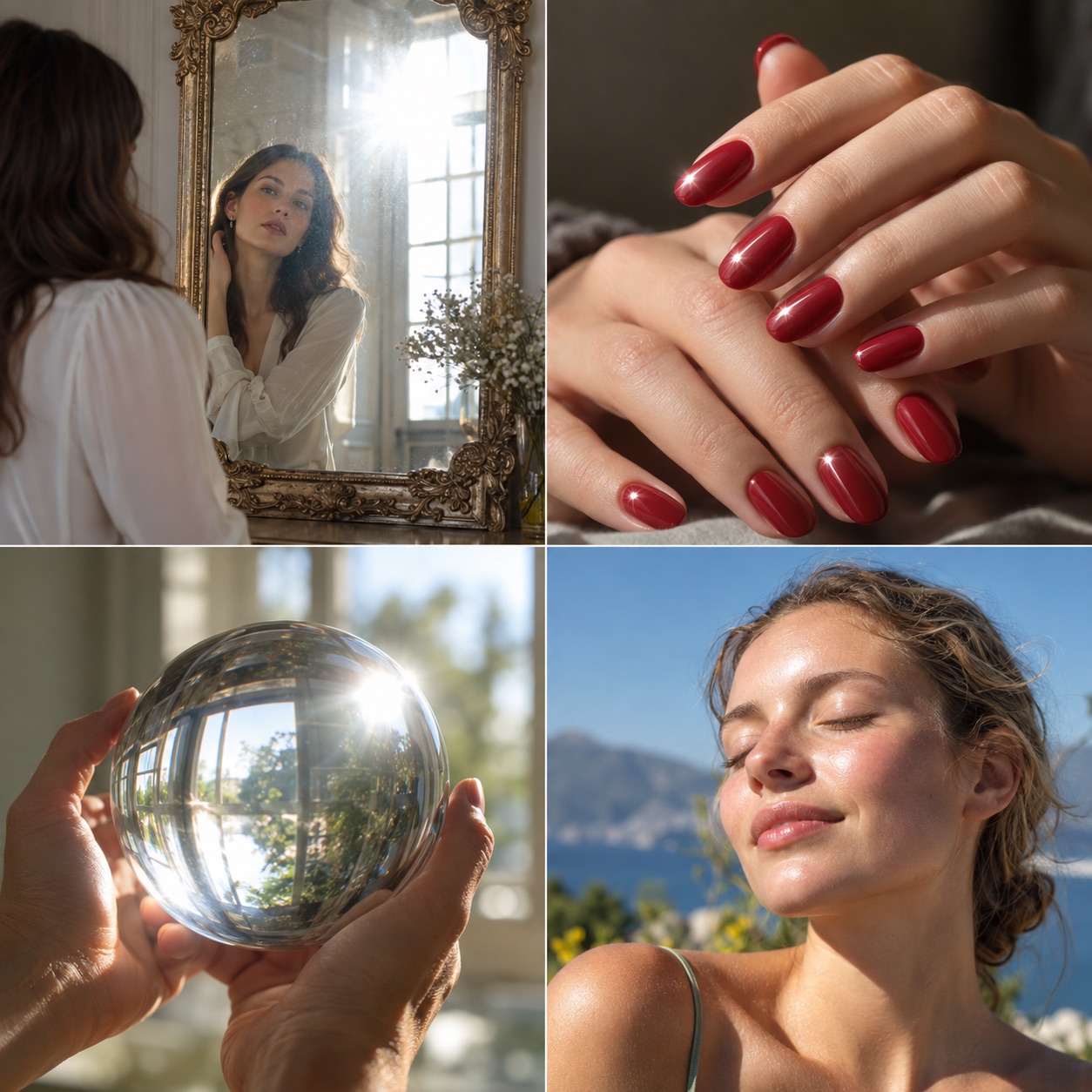 Find the right fix for your photo
What kind of glare is in your photo?
Open the matching tool to view an example and upload your image. You can switch tools at any time.
Remove glasses glare from a photoRemove glare from glasses while keeping the eyeglass lenses and portrait natural.Open glasses glare page ↗
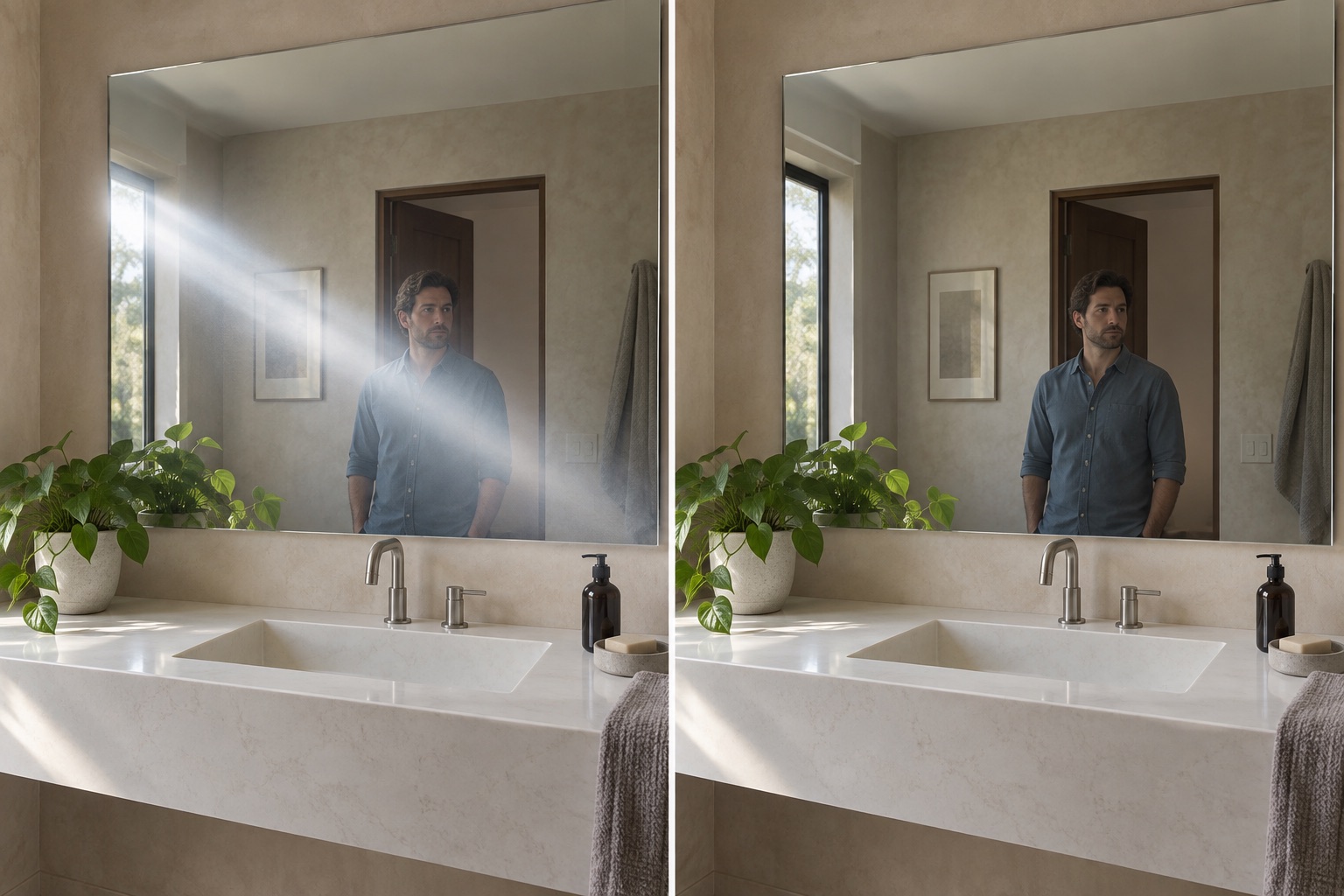 Remove mirror glareSoften mirror glare, bright haze, and hotspots across a mirror photo.Open mirror glare page ↗
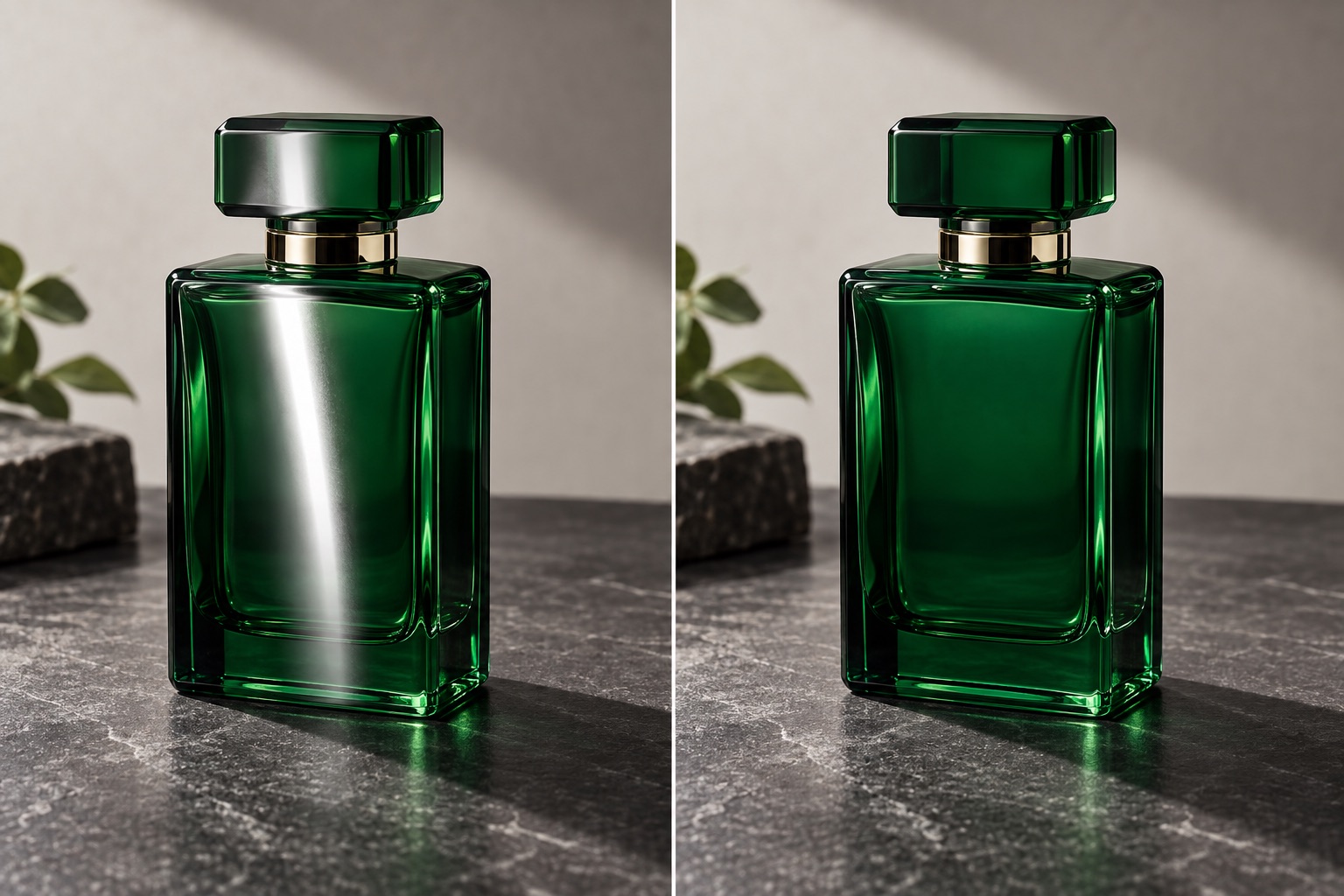 Remove nail glareReduce nail glare and white streaks without flattening glossy polish.Open nail glare page ↗
 Glass reflectionsWork on glare in glass objects and windows.Open glass tool ↗
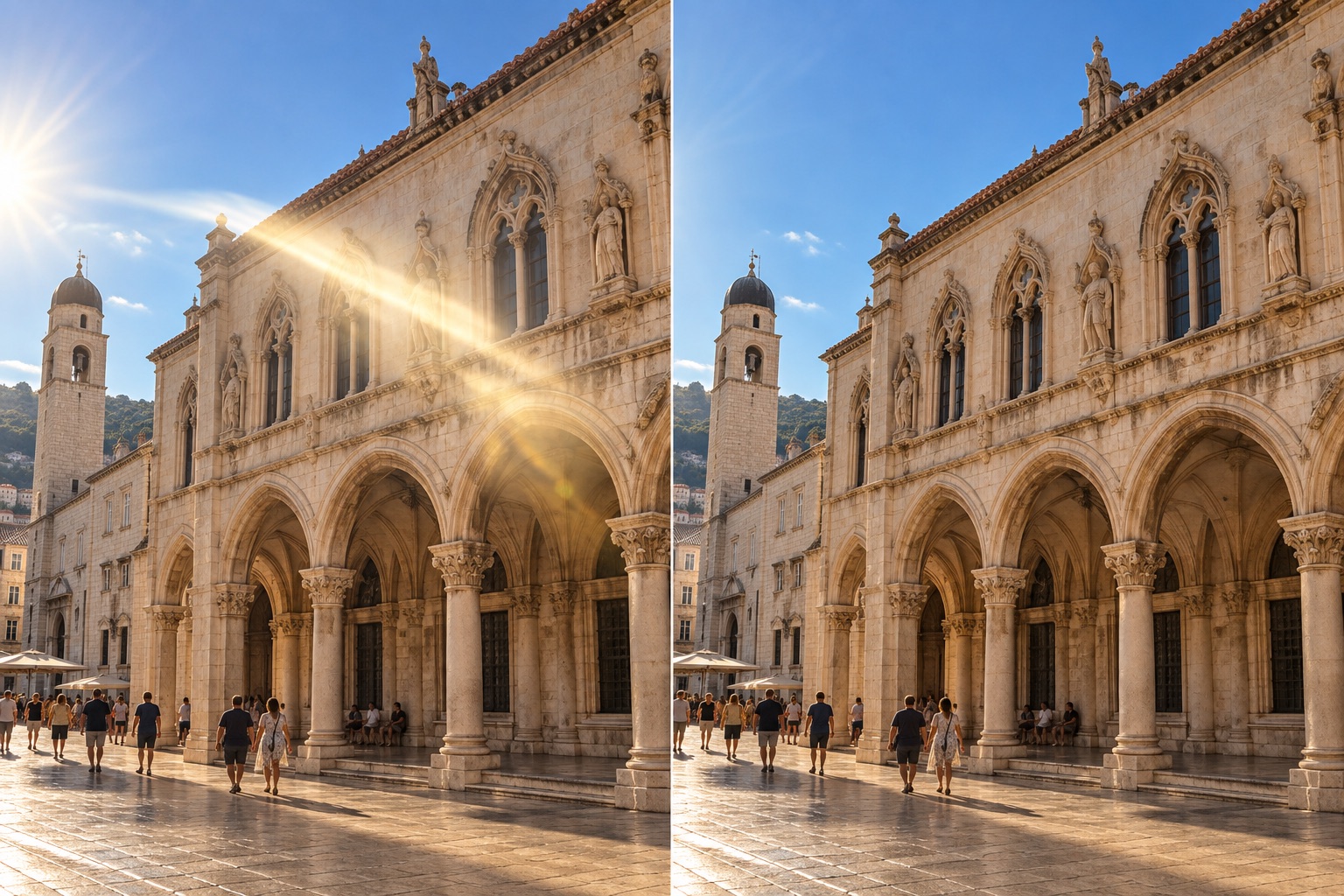 Remove sunlight and flash glareReduce sunlight glare, sun flare, or flash glare without dimming the whole scene.Open sunlight glare page ↗
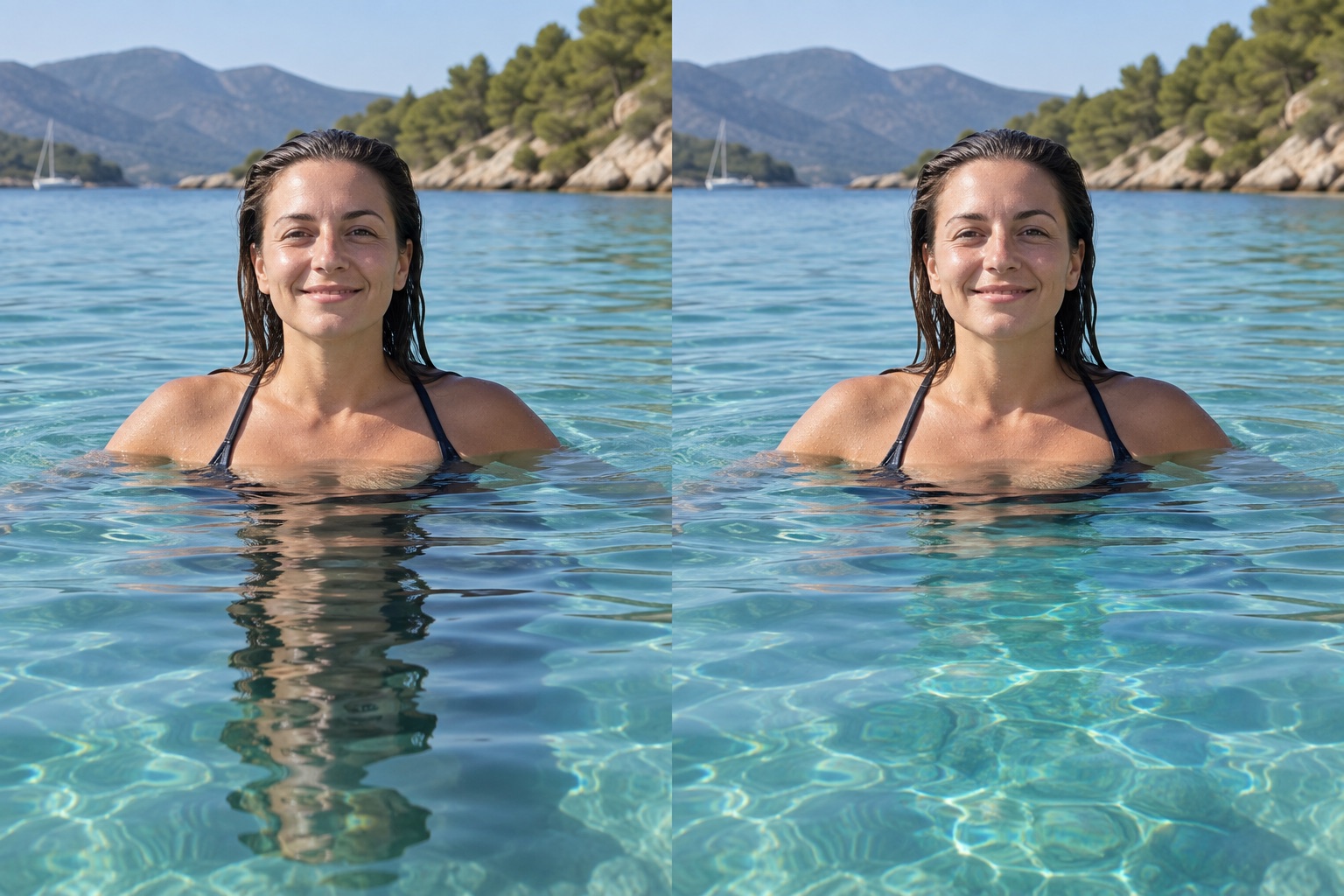 Remove water glareReduce water glare and reflections while keeping natural ripples.Open water glare page ↗
How to take glare out of a photo
To take glare out of a photo, choose the matching glare type, add your image, and compare the result before saving. This helps you remove glare from a photo without changing unrelated areas.
- 01
Choose the glare type
Pick the glasses, sunlight, flash, nail, mirror, glass, or water option that best matches your photo.
- 02
Add a photo
Select or drop your image and preview it on the matching page—no sign-in needed.
- 03
Review the glare removal
Compare the photo preview and available credit packs before editing.
Common glare-removal questions
How do I remove glasses glare from a photo?
Open the glasses glare page, add the portrait, and keep the correction inside the eyeglass lenses. A lower strength can remove glare from glasses while preserving natural lens detail.
Can the same page remove sunlight, flash, mirror, nail, and water glare?
Each page is tailored to a different surface or light source. Choose sunlight glare, flash glare, mirror glare, nail glare, or water glare to match your photo, then review the result carefully.
Can completely hidden details be recovered?
If strong glare covers details that the camera never captured, a photo edit cannot reliably recover the original detail. Adobe explains how clipping loses image detail ↗.
Content by Remove Glare From Photo.